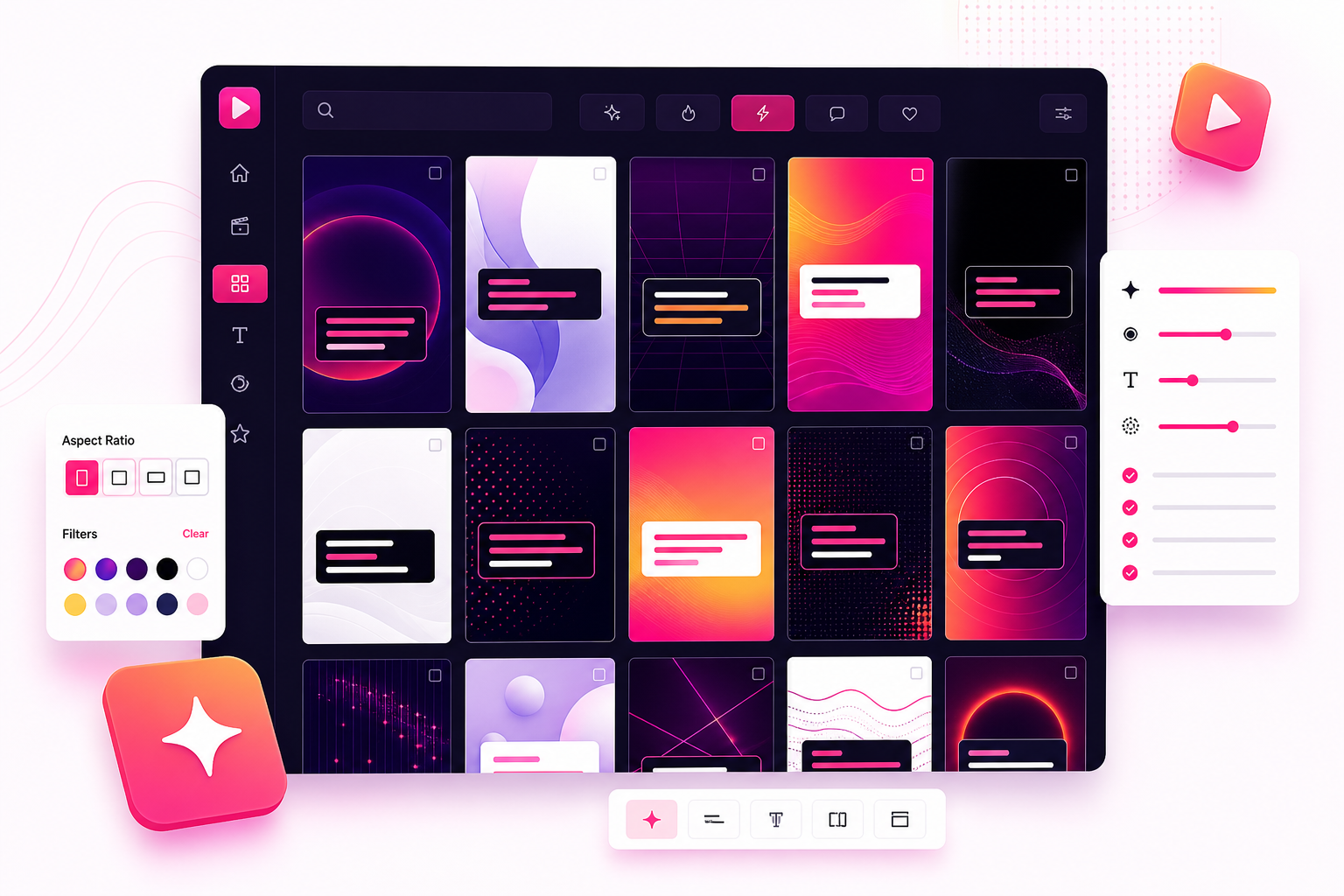
What are Zubtitle templates for?
They help talking-head videos look captioned, styled, and ready for social platforms without design work.
 ZUBTITLE
 Pick a caption look, try your own words, choose a social format, and jump into Zubtitle with the template context already attached.
They help talking-head videos look captioned, styled, and ready for social platforms without design work.
Yes. Pick a style, adjust the caption text, choose a ratio, and start from that setup inside Zubtitle.
Use 9:16 for Reels, TikTok, and Shorts, 1:1 for square social posts, and 16:9 for wider videos.